
Picture this: You are having the game of your life. The multipliers are stacked, the jackpots are lit, and you are one shot away from greatness. Suddenly, the machine fires a ball into the shooter lane for no reason. Then it starts a ball search. Then it decides you’ve actually lost your ball when it’s still sitting on your flipper.
Welcome to the world of the "Ghost in the Machine." If you own a Bally or Williams WPC era machine, think The Addams Family, Twilight Zone, or Star Trek: The Next Generation, you have likely dealt with the absolute frustration of failing optos. These little infrared sensors are the "eyes" of your machine, and when they start blinking out, your pinball board starts making some very questionable life choices.
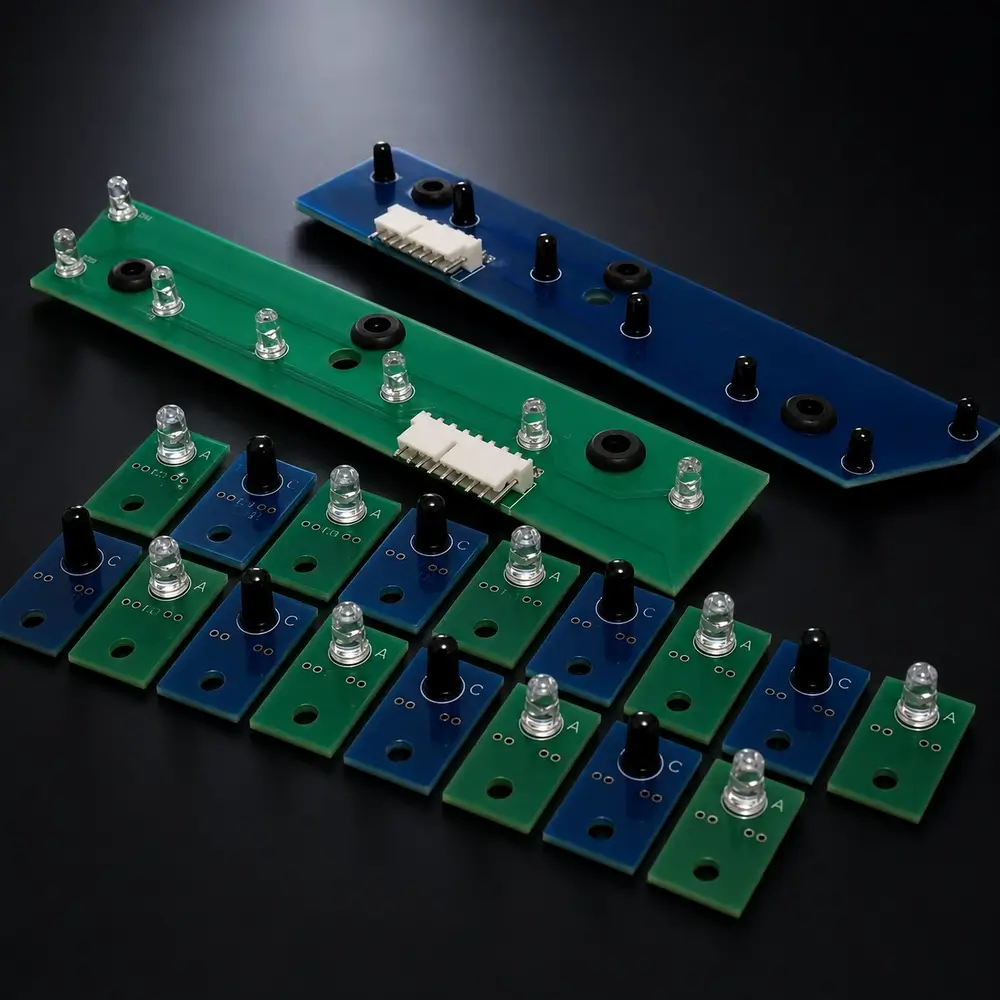
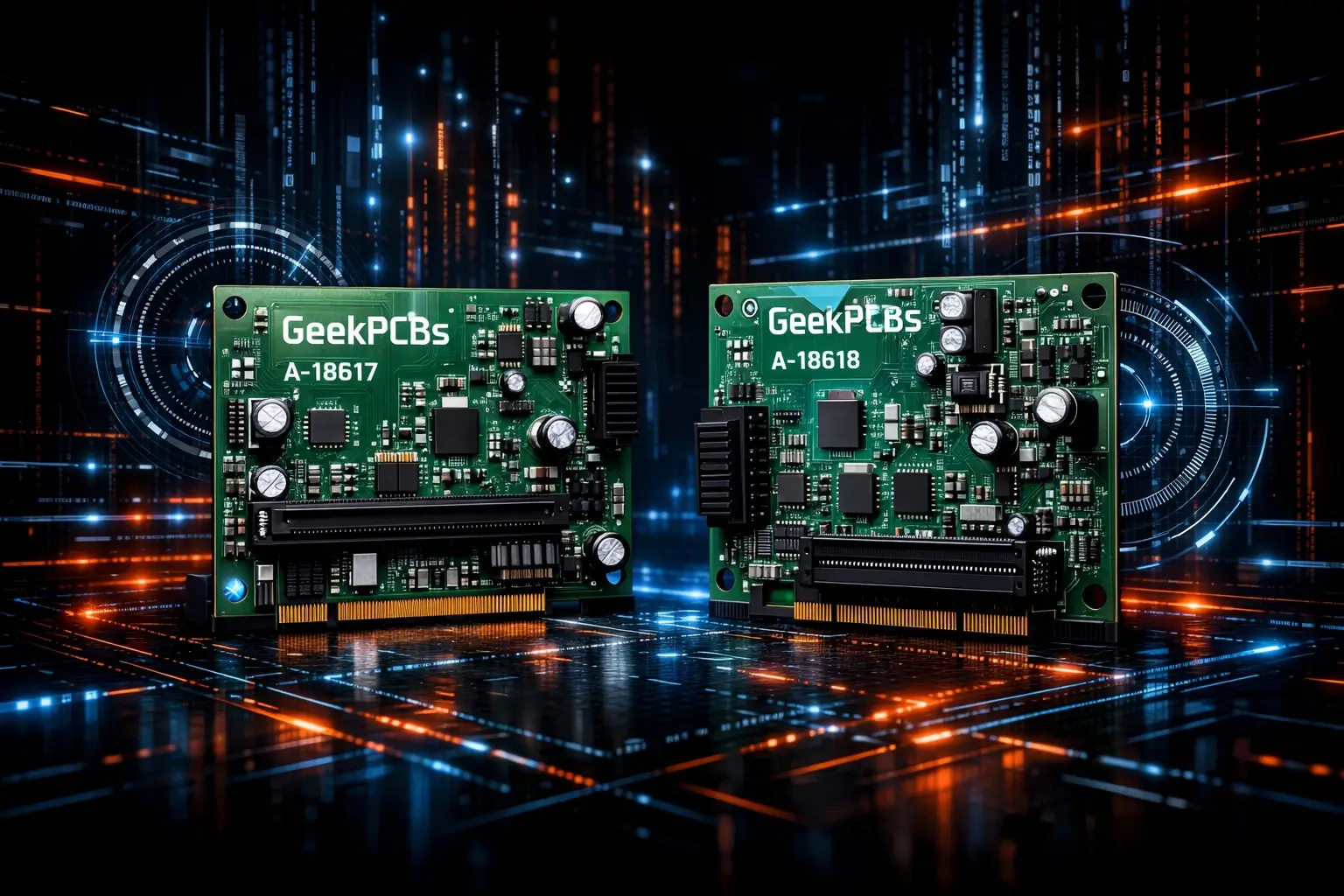
In this guide, we are going to dive into why these faults happen and how you can banish the ghosts for good using the A-18617 and A-18618 Opto Trough Board Sets available right here at GeekPCB's.
What Exactly is an Opto?
Before we start ripping things apart, let’s talk about what we’re actually looking at. Most traditional pinball boards use mechanical microswitches. You know the ones, they have a little wire arm that clicks when a ball rolls over it. They are reliable, but they have moving parts that wear out.
Williams/Bally decided to get high tech in the 90s by using optical switches (optos) in high wear areas like the ball trough. An opto consists of two main parts:
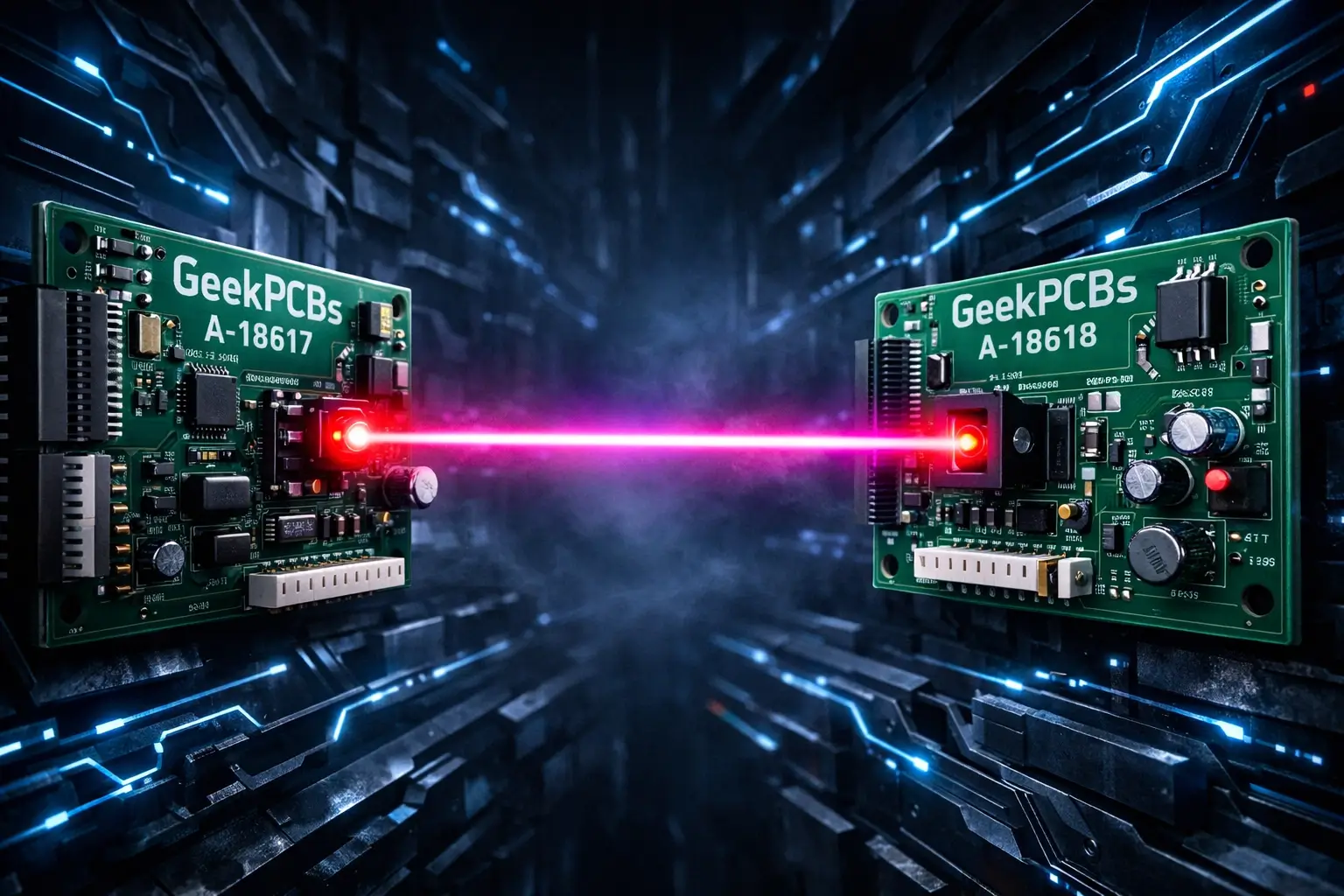
- The Transmitter (A-18617): This side houses the Infrared (IR) LEDs. It shoots a constant beam of invisible light across the trough.
- The Receiver (A-18618): This side houses the phototransistors. These guys "see" the IR light.
When a ball sits in the trough, it breaks that beam of light. The receiver stops seeing the IR signal and tells the CPU, "Hey, there is a ball here!" When the beam is clear, the machine knows that slot is empty. It’s a brilliant system until it isn’t.
Why Do They Fail? (The Usual Suspects)
If your machine is acting like it’s haunted, it’s usually because the receiver isn't getting a clear signal. This can happen for a few reasons, ranging from "easy fix" to "buy a new pinball pcb immediately."
1. The Vibration Factor
Pinball machines are basically controlled earthquakes. Every time a coil fires or a ball hits a post, the entire cabinet vibrates. Over twenty or thirty years, these vibrations cause the solder joints on the opto boards to crack. The component might look fine, but the electrical connection is flickering on and off like a bad fluorescent bulb.
2. Heat and Age
IR LEDs have a shelf life. They run hot, and over decades of being powered on in a dark arcade, they eventually dim. If the transmitter isn't bright enough, the receiver can't "see" it through the dust and grime, leading to those annoying random ball launches.
3. Battery Damage
We’ve talked about this before, but it bears repeating. Leaky batteries on the CPU board can eat through traces that handle the switch matrix. If your opto issues are happening alongside other weird switch behavior, check your batteries first.
Step-by-Step Troubleshooting: Banish the Ghost
Ready to fix it? Put down the hammer and grab your screwdriver. Mistakes happen that’s part of DIY, but if you follow these steps, you’ll have a much better time.
Step 1: The Built-In Switch Test
Your WPC machine has a brain: use it! Open the coin door and enter the diagnostic menu. Go to Tests -> Switch Edge (T.1).
In a perfectly working machine with no balls in the trough, all the trough switches should be "open" (not showing on the grid). As you roll a ball into the trough, you should see the corresponding square on the display fill in.
- The Problem: If you see a square flickering or toggling on and off without a ball being there, you’ve found your ghost.
- Pro Tip: Give the playfield a solid thump with your fist while in this test. If a switch triggers just from the vibration, you definitely have a loose connection or a cracked solder joint on your pinball board.
Step 2: The Dirty Lens Trick
Before you start desoldering things, try the simplest solution. These boards live in the basement of your machine where "playfield dust" (which is actually just ground up rubber and wax) loves to settle.
Take a Q-tip dampened with a little bit of Windex and gently wipe the face of the IR LEDs and the receivers. Dry them with the other end of the Q-tip. You’d be surprised how often a "dead" opto is just a "blind" opto.
Step 3: The Flashlight Isolation Test
If cleaning didn't work, we need to figure out which side is broken: the sender or the receiver.
- Go back into the Switch Edge Test.
- Take a piece of dark tape and cover the transmitter (the A-18617 board).
- Now, take a bright LED flashlight and shine it directly into the receiver (the A-18618 board).
If the switch on the screen "closes" when you shine the light and "opens" when you turn it off, your receiver board is working perfectly. This means your transmitter board is either dead, not getting power, or has a weak LED.
Why Patching Old Boards is a Losing Game
Look, we love a good repair as much as the next geek. But when it comes to the trough pinball pcb sets, you are often fighting a losing battle. The original boards were made with 90s tech and have been subjected to thousands of hours of vibration and heat cycles.
You can replace one LED today, but the one next to it might fail tomorrow. Plus, the through hole plating on these old boards becomes brittle. Every time you apply heat to fix one component, you risk lifting a track and creating a whole new headache.
The Ultimate Fix: New A-18617 & A-18618 Board Sets
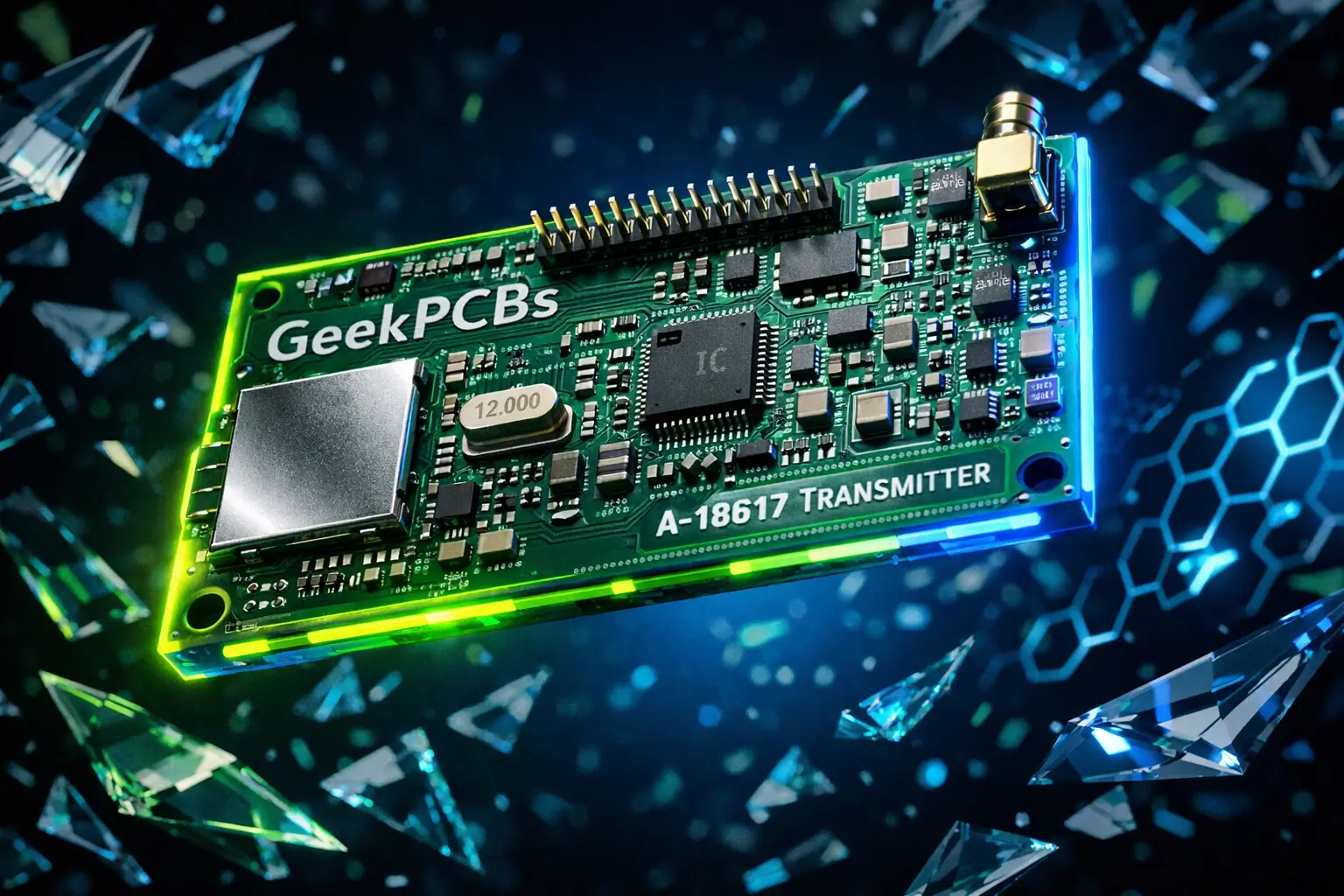
If you want your machine to play like it just rolled off the factory floor, the best move is to replace the set. At GeekPCB's, we supply the A-18617 (Transmitter) and A-18618 (Receiver) board sets designed specifically to drop right into your Williams/Bally WPC machine.
Why these boards are better:
- High Quality Components: We use modern IR LEDs that are brighter and more reliable than the original 30 year old specs.
- Better Solder Joints: Our boards are manufactured with modern techniques to handle the high vibration environment of a pinball trough.
- Plug and Play: No soldering required on your end. Just unscrew the old, flaky boards and screw these in.
- They Look Sexy: Because let’s be honest, clean green or black PCBs look way better than the scorched, brown, flux-stained originals.
You can find the full set right here at geekpcbs.au. It is one of the most cost effective upgrades you can make to ensure your machine stays reliable during a long session or a tournament.
Installation Tips for the Pro Geek
When you get your new boards, here are a few things to keep in mind for a smooth install:
- Check Your Voltages: Ensure your power driver board is actually sending the +12V needed for the optos. If your 12V rail is sagging to 10V, even new boards might act flaky.
- Mind the Spacing: When screwing the new boards back onto the trough, make sure they are aligned. If the boards are tilted, the "eyes" won't be looking at each other, and the beam won't break correctly.
- Check the Connectors: While you have the trough apart, look at the plastic connectors. If they look charred or the wires are pulled tight, now is the time to give them some slack or repin them.
Final Thoughts
Don't let the "Ghost in the Machine" ruin your high score. Troubleshooting optos doesn't have to be a nightmare if you have the right tools and the right parts. By using the switch test to isolate the issue and upgrading to a fresh set of pinball boards, you’re not just fixing a problem: you’re preserving a piece of gaming history.
If you hit a snag or you’re not sure if these boards are right for your specific title, reach out! We love talking shop and helping you get your flippers moving again.
High quality, tested, and made for makers like you. That’s how we do things here.
If your pinball machine starts talking back to you, it’s either a haunted opto or you’ve finally reached the Wizard Mode of your life.